
Expense Manager PRO by BluJ IT
by BluJ IT
🗂️ Finance
Version 500+ 💾 1 Mb
📅 Updated Eligible if bought after 7/2/2016.
Learn
The Most Robust Business App on the Market. PRO version upgrade.
Features Expense Manager PRO by BluJ IT
ALL proceeds support Guatemalan MissionThis application upgrades your existing Expense Manager application to the FULL PRO version, which provides unlimited use of ALL features of Expense Manager.
If you havent already downloaded Expense Manager, the application will walk you through doing so when it is first opened.
It is necessary for both Expense Manager and Expense Manager PRO to be installed on your device.Expense Manager by BluJ IT is an application that was created for business men and women to ease the tracking of business related items such as expenses, mileage, time, and payments for jobs or trips.
It has been tailored to allow easy entry of these items throughout a job or trip.
Once the trip or job is complete, the data can be viewed and exported in a variety of ways both as PDF reports and CSV exports.
These reports and exports can then be viewed on the device or emailed to whoever needs them.
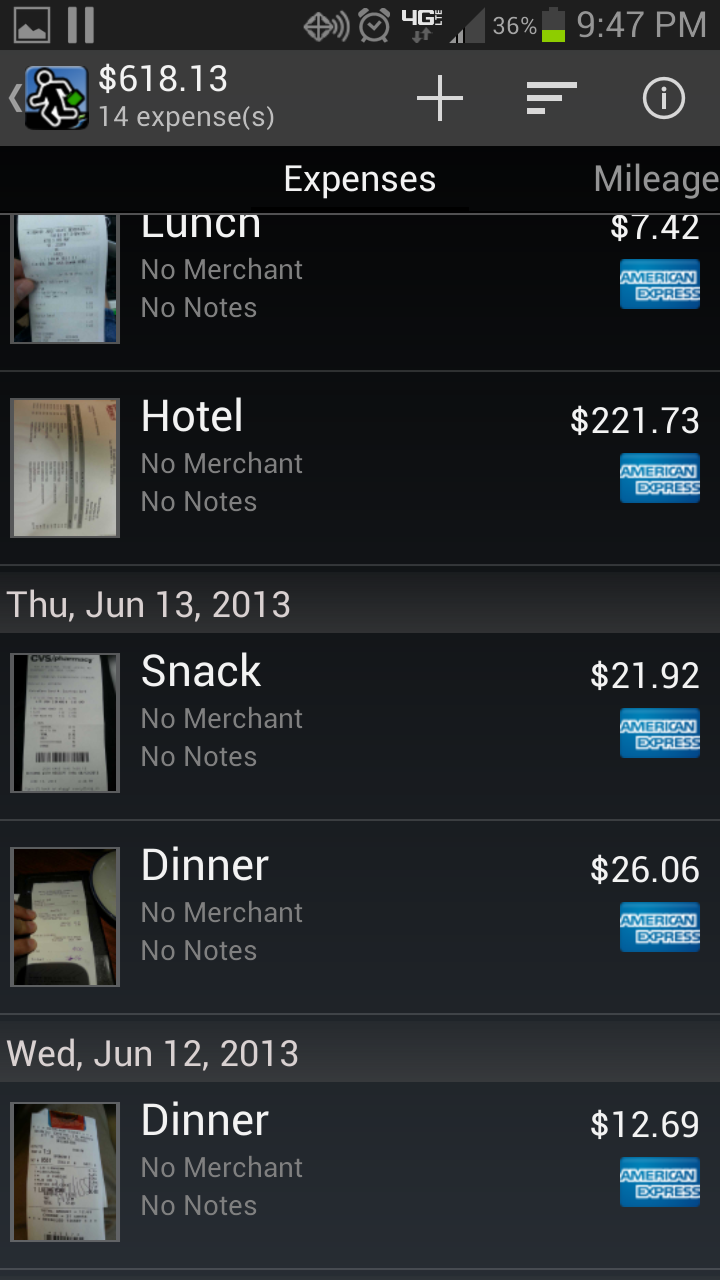
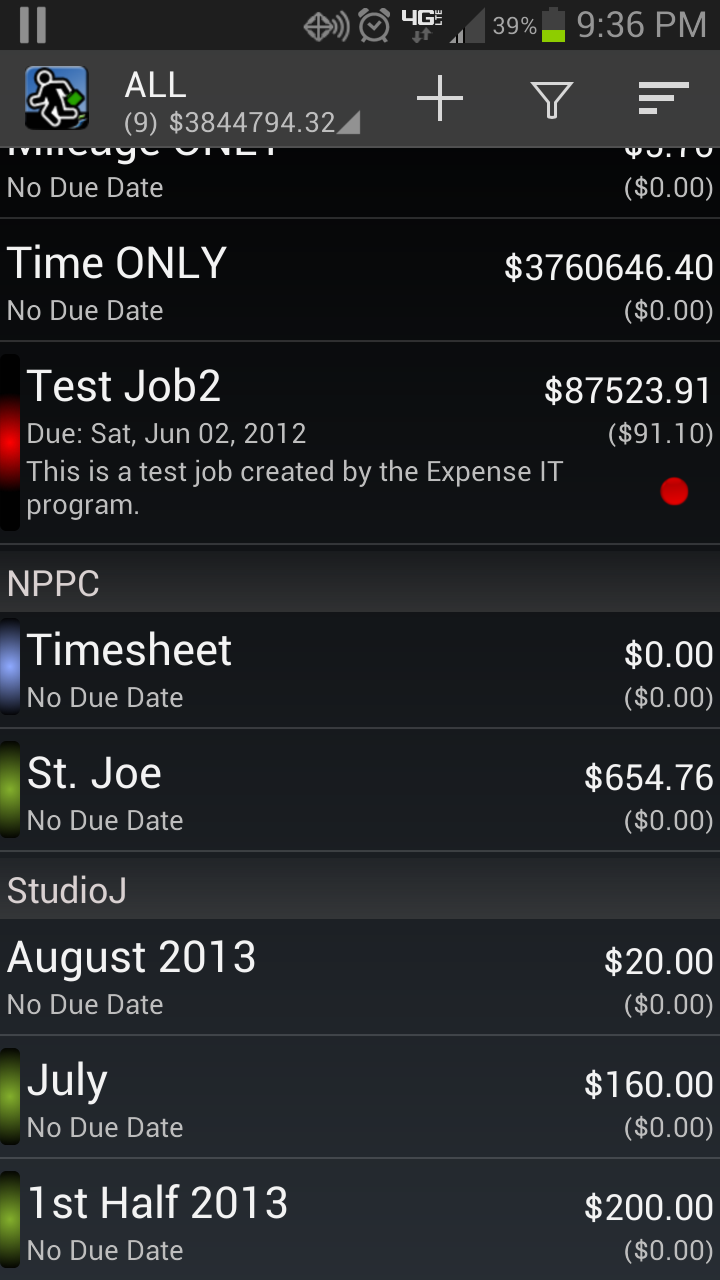
The CSV export is also great for importing applications such as Quicken and Quickbooks.Features:* Managing different clients with features for bill rates, billing increments, etc.* Creation of jobs and association to clients.* Dynamic job states: Active, Billed, Overdue, and Paid.* Tracking of expenses, mileage, time, and payments within the different jobs.* Fully functional application without network connections; although, when connected exchange rate data is able to be imported into Expense Manager by BluJ Business.* Multinational currency support, including the ability to create and manage custom currencies.
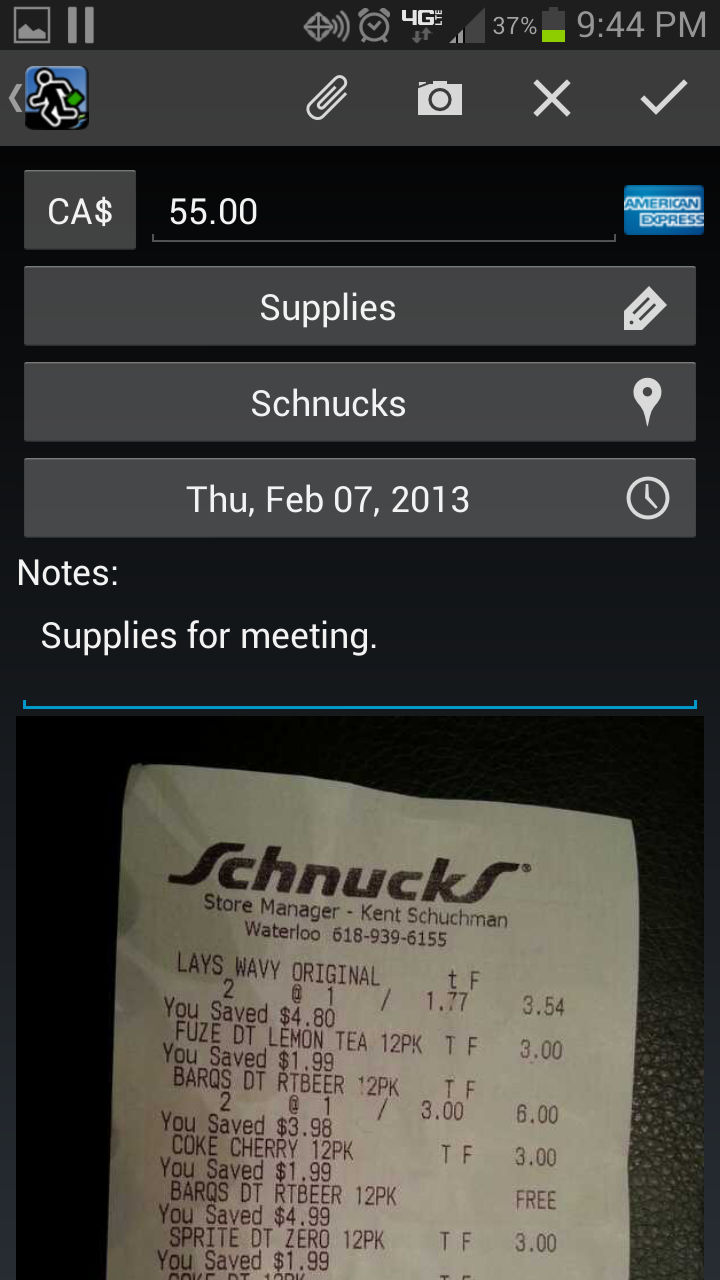
Allowing for a preferred currency, unlimited number of currency exchange rates, and currency indication at the expense level.* Exchange Rate data importing from the internet.* Expense tracking with payment method, tags, merchants, notes, and pictures and attachments of receipts (receipt preview included).* Receipt capture makes use of camera functions such as auto-focus, auto-flash, compression, etc.* Mileage tracking in both imperial or metric units.
Allowing mileage entry via starting and ending odometer readings as well as total distance.* Time tracking - time can be entered directly by adjusting the hours of the entry, or by starting and stopping a real time clock for the entry.
Time entry clocks can be stopped and started as many times as desired, and Expense Manager by BluJ Business will accurately track the total run time of a time entry.
Time tracking also allows additional data to be tracked such as (work orders, tags, categories, etc.)* Payment management - as customer payments are received, they too can be tracked within Expense Manager by BluJ Business.
These payments as well as due dates can be used to auto calculate job statuses.* Extensive Reporting capabilities such as Job Details, Client Summaries, Year to date reports, etc.
Addition Quick Reports easily allowing the generation of select reports within two screen touches.* Collected data is able to be exported in a CSV format for import to other applications such as Excel and Quick Books.* Reports and exported data are able to be emailed WITHOUT requiring additional fees.* Ability to view reports from the Android device, sorting the data in a variety of ways.* Manage reimbursement rates for personal vehicle use.* Tag Management that allows for creation and deletion of tags and tag groups for association with Expenses, Time and Mileage.* Extensive users guide built into the application, not requiring web access.* Backup/Restore to/from your device, Google Drive, or Dropbox to ensure that your data doesnt get lost.Great application for Expense Reporting and tracking trip expenses when traveling for business.There are no additional fees.
Most applications charge hidden fees through the use of their servers for report generation; not Expense Manager by BluJ IT.Improved memory usage
Social Features
Connect and share with friends and the community.
Camera Features
Advanced camera features with editing capabilities.
Travel Features
Plan and manage your travels with ease.
See the Expense Manager PRO by BluJ IT in Action
What Our Users Say
Don't just take our word for it. Here's what our users have to say about our Android app.
"This app makes tracking time and expenses and billing properly all from my phone."
Robert Bradbury
"Really easy to use and provides the reports that I need to file my expenses. Highly recommended."
Mark Ryan
"This app does more than I need, which is lots. Exchange rates can be updated from the internet OR set to the ACTUAL rate you get when taking cash out from a local ATM. Custom currencies allow me to add currencies for those non-tourist destinations to which my work regularly takes me. Never-used expense categories can be renamed in lieu of creating new ones which reduces clutter and scrolling. Small matters, but it's what makes for a friendly app. Regarding support: a data field got (visually) truncated after a recent update. I emailed the developer and he had a fix out within 24 hours. Impressive. There are still a few rough edges. EXAMPLE: once a custom currency has been defined, subsequent edits to the abbreviation are not saved. You must DELETE the currency and start over to correct a typo. Now, if it were only easy to add actual currency symbols (e.g., Thai ฿) for those custom currencies...I haven't found out how yet. It would be BETTER if there were more pre-set currencies (Thailand is not exactly an obscure destination, but is missing, yet Vietnam is included) and if there were only ONE entry for the EURO (there are many, by country) and ONE for US$ (there are three)"
A Google user
"I was using the trial and had a small issue with exchange rates. The developer responded to the email I sent and about 1 week later a fix is out and they emailed me about it! Now upgraded to the Pro version. Easily worth 5 stars."
A Google user
"Tried several other managers but they didn't do what I wanted. Expense IT Pro does it all, neither forcing me into a specific way of working with the app nor putting things in the way. Had recourse to use their customer support once I upgraded to the PRO version and the service was timely, accurate and complete. Thanks guys."
A Google user
"Very handy app, and the best customer support I've received in my entire life. Thanks again."
A Google user
"Great customer support. Continuously updated. Have been searching Android alternative for iOS Xpense Tracker app. Not quite there yet, but good enough"
A Google user
"Works as advertised. I needed an expense tracker for work that would capture the basic receipt info, take a picture of the receipt. Does that!"
A Google user
"I like this app but it's starting to get frustrating. Market informs me that there's an upgrade available but, when I try to download it, it just goes on forever trying to download. In the end I give up and shut it down. Someone needs to address this problem."
A Google user
"Great app with great support."
A Google user
Get the App Today
Available for Android 8.0 and above